
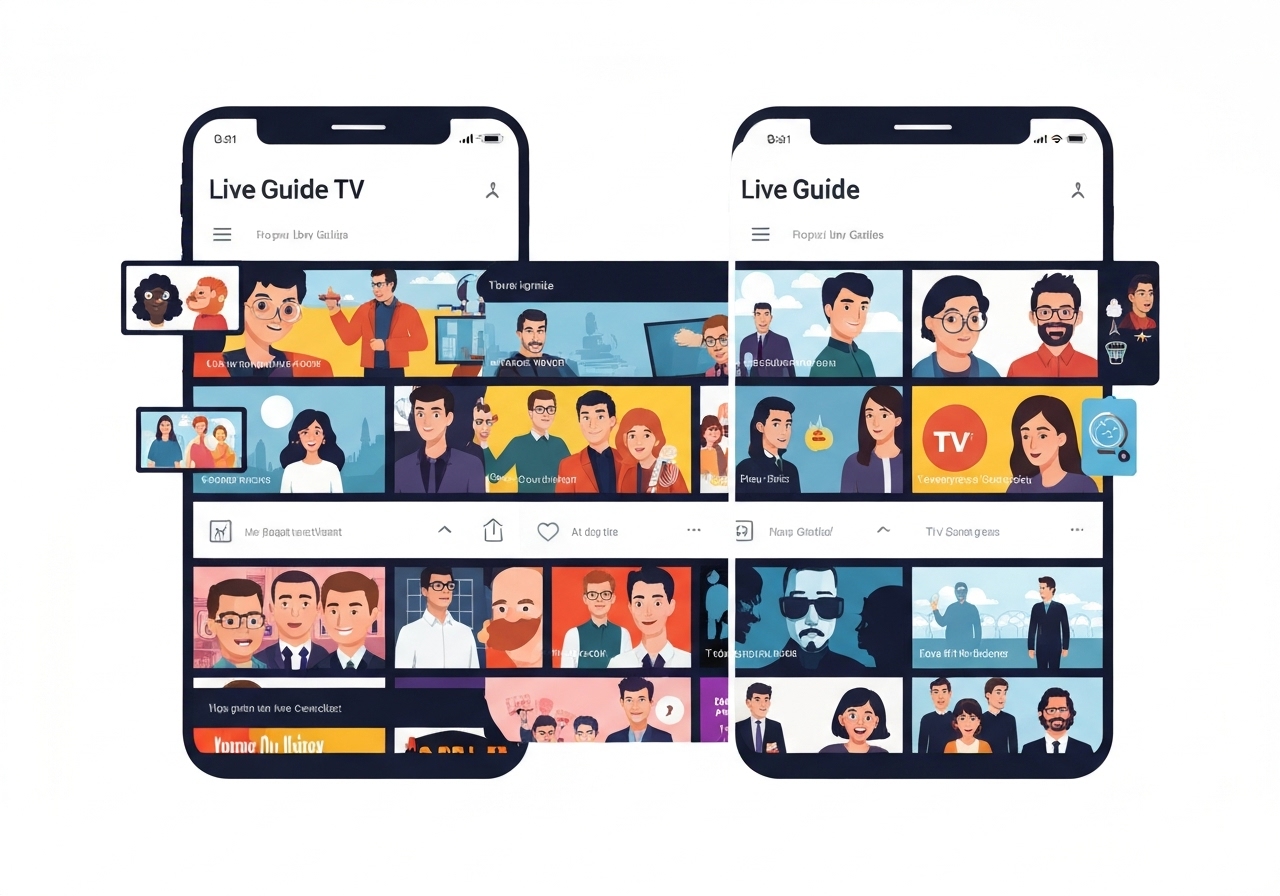
On January 11, 2026, YouTube TV began a wide rollout of a redesigned Live Guide to its Android and iOS apps, bringing the mobile experience closer to the television interface introduced in 2023. The new layout increases information density, moves channel icons to the left and adds swipeable upcoming-program previews. A prominent red “Jump to live” button and visible program run-time indicators aim to speed navigation and discovery. The update is available via the latest YouTube TV app builds; a force‑close or app restart may be required for the change to appear.
Key takeaways
- The redesign rolled out broadly to Android and iOS on January 11, 2026, mirroring the TV Live Guide introduced in 2023.
- Channel icons now sit on the left; users can swipe program rows to see upcoming items and timings.
- A red “Jump to live” button appears at the bottom of the guide to return instantly to live broadcast.
- Program tiles show total runtime and remaining time, plus a Sort menu in the top-left corner for list organization.
- Long‑pressing a program opens a floating preview sheet with description and quick actions: Add to library, Set a reminder, Go to program, and Go to channel.
- The Library and Home tabs have not yet received the same visual refresh; older bottom-bar icons remain in use.
- If the redesign is not visible, update to the newest YouTube TV version and force close the app; testers report seeing it across multiple devices.
Background
YouTube TV has periodically refined its interface since launching, with device parity between TV and mobile an ongoing objective for product teams. In 2023 YouTube rolled out a denser Live Guide for televisions that emphasized program metadata and faster navigation; the current mobile update applies many of the same choices to handheld screens. Historically, the mobile Live tab presented channels as a simple vertical list with a small preview at the top, which limited at-a-glance information and quick navigation compared with modern streaming rivals.
The redesign reflects broader pressure in the streaming market to improve discovery and reduce friction for live viewing and DVR actions. Stakeholders include Google/YouTube engineering and product teams, subscribers who use YouTube TV as a cable replacement, and device-platform partners (Android and iOS). Parity between platforms matters for retention: differences in features across TV, phone and tablet builds can affect perceived value and churn.
Main event
The updated Live Guide repositions channel icons to the left, letting program rows display more metadata horizontally. Users can swipe along a row to preview upcoming programs without changing channels, helping viewers scan a schedule quickly. The red “Jump to live” button is persistent at the bottom of the guide, enabling immediate return to the currently airing feed while browsing other entries. The guide also shows program duration and time remaining, with an accessible Sort menu in the top-left to reorder listings by channel, time or other criteria.
A long press on any program brings up a floating preview sheet rather than a bottom-docked card. That sheet shows the program description and supplies four quick actions: add the program to the library, set a reminder, jump straight to the program page, or go to the channel. Compared with the prior minimal Live tab, these actions cut the steps needed to record, remind or inspect program details by placing them inline with browsing.
Despite the Live Guide update, the wider app has not fully adopted YouTube’s newest design language. The Library and Home tabs still use the previous layout and iconography, and the bottom navigation shows the older icon set. The rollout appears to be wide but staged: updating the app and restarting it surfaces the change for many users, according to field checks on multiple phones.
Analysis & implications
The redesign improves discovery and shortens the path from browsing to action, which should increase user engagement with live programming and DVR features. By surfacing run-time and remaining time, YouTube TV reduces uncertainty about whether viewers can join a program late and still catch substantive content. That matters for retention: easier discovery and quicker reminders can translate to more completed views and higher session length metrics.
Bringing mobile closer to the TV experience narrows feature disparity across devices, a common user complaint for multi‑screen services. Consistent interaction patterns (swipe to see upcoming, left-aligned icons, floating previews) lower cognitive load when users switch devices. For YouTube product teams, the mobile redesign is a step toward harmonizing the visual system, but remaining inconsistencies in Library and Home suggest further work is planned.
For competitors and aggregator apps, the update raises the bar for live-guide ergonomics on phones and tablets. If YouTube TV demonstrates measurable gains in engagement from the change, other services may prioritize denser metadata displays and inline action sheets. From an operational perspective, staged rollouts allow YouTube to monitor performance and errors before full global deployment, minimizing risk to live streaming infrastructure.
Comparison & data
| Feature | Previous Live Tab | New Live Guide (mobile) |
|---|---|---|
| Channel icon placement | Top strip preview | Left-aligned icon in list |
| Program preview | Small static preview at top | Swipeable upcoming previews per row; long‑press floating sheet |
| Information density | Low — basic title/time | Higher — runtime, remaining time, description |
| Quick actions | Fewer; deeper navigation | Add to library, reminders, jump to program/channel |
| UI docking | Bottom-docked previews | Floating sheet previews |
The table highlights the shift from a minimal list to a richer, action-oriented guide. These changes are designed to reduce taps to common tasks (save, remind, view) and increase the proportion of discovery sessions that convert into scheduled or recorded content.
Reactions & quotes
“The redesign greatly boosts information density and functionality compared with the old Live tab,”
9to5Google (online news)
“A red ‘Jump to live’ button appears while you browse, making it simple to return to live broadcast,”
9to5Google (online news)
“If you’re not seeing this Live Guide redesign, make sure you’re on the latest version of YouTube TV and then force stop/close the app,”
9to5Google (online news)
Unconfirmed
- Whether the rollout is truly global or limited to specific regions and account cohorts remains unconfirmed; YouTube has not published a region-by-region schedule.
- Timing and priorities for refreshing the Library and Home tabs to match the new Live Guide are not announced and appear to be pending.
- It is unclear whether the change is a full launch or the tail end of an A/B test; official product notes have not been posted publicly as of January 11, 2026.
Bottom line
The January 11, 2026 mobile Live Guide redesign brings YouTube TV’s phone and tablet experiences closer to the 2023 television interface by increasing information density, surfacing run-time details and offering inline actions. These changes shorten the path from discovery to action and should improve engagement for live and DVR content. Users who do not immediately see the update should update the app and restart it; broader UI parity across the app remains a watch item.
For viewers and competitors alike, the move signals an emphasis on reducing friction in live TV navigation. Observers should watch for follow-up updates to Library and Home tabs and for any published metrics from YouTube that quantify engagement gains from the redesign.
Sources
- 9to5Google — online news report covering the YouTube TV mobile Live Guide rollout (January 11, 2026)