
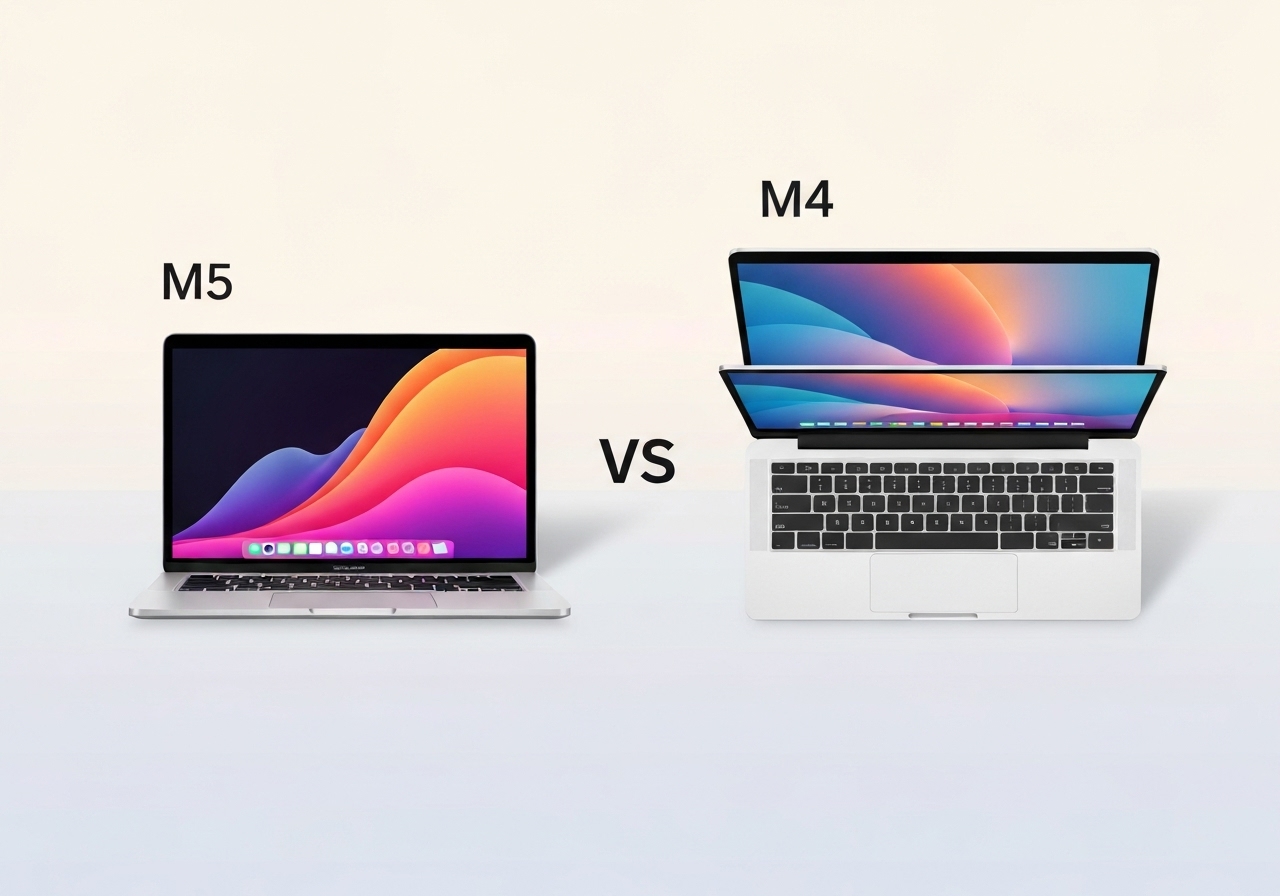
As holiday discounts arrive, Apple’s entry-level laptops — the 14.2-inch M5 MacBook Pro and the 13.6-inch M4 MacBook Air — present a clear choice for shoppers. This piece compares chips, thermals, displays, ports and prices to help buyers decide whether the Pro’s premium features justify its higher cost. Current pricing parity matters: base Air starts at $1,199 and the base 14-inch Pro at $1,599, while recent Black Friday deals pushed a 512GB M4 Air to $949 and a 512GB M5 Pro to $1,399. We conclude with guidance on who should pick which model based on real-world needs.
Key takeaways
- The M5 chip delivers roughly 15% faster multithreaded CPU performance and a 45% faster GPU compared with M4; unified memory bandwidth is up ~30% and peak GPU compute for AI is cited as 4× higher.
- MacBook Pro (14.2-inch) adds an active cooling system, additional ports (three Thunderbolt/USB‑C, HDMI, SD), MagSafe, and a mini‑LED HDR display; Air (13.6-inch) is fanless with MagSafe and two left‑side Thunderbolt/USB‑C ports.
- Display differences: Pro supports HDR, has a miniLED panel and 1,000 nits typical brightness; Air tops out near 500 nits and lacks HDR support.
- Thermals favor the Pro for sustained CPU/GPU workloads; the Air’s passive cooling can lead to throttling under prolonged heavy load.
- Out‑of‑the‑box storage differs: Air ships with 256GB by default; the 14‑inch Pro starts at 512GB, affecting upgrade math and perceived value.
- Typical price gap after equivalent upgrades is about $400; Black Friday made that gap larger in dollar terms for some configurations (e.g., 512GB Air at $949 vs 512GB Pro at $1,399).
- For most everyday users and students, the M4 MacBook Air remains the best value; professionals who need ports, sustained performance, or superior color/HDR should consider the M5 Pro.
Background
Apple’s laptop lineup has long separated thin, fanless designs (the Air line) from performance‑oriented Pros with active cooling and expanded I/O. The latest entry‑level MacBook Pro uses Apple’s M5 silicon, positioned as the next step in GPU and AI‑focused compute compared with the M4 found in the current MacBook Air. The company’s chip roadmap and its emphasis on on‑device AI have shaped messaging around GPU performance as a forward‑looking advantage.
Historically, Apple has sometimes compared new silicon to the earliest Apple chips (for example, the M1) in marketing materials, which can obscure incremental differences among more recent generations. That makes direct, model‑to‑model comparisons — like M5 vs M4 — especially useful for shoppers deciding between near‑identical chassis, differing mainly in cooling, ports and displays.
Main event
At the hardware level, the M5’s headline gains are focused on GPU and memory throughput: Apple cites roughly 45% GPU performance improvement and a 30% jump in unified memory bandwidth versus M4, plus a quoted 4× increase in peak GPU compute for AI workloads. CPU multithreaded performance is reported at about a 15% uplift. Those figures translate into noticeably faster rendering, image processing and model inference in supported, optimized apps.
The 14.2‑inch MacBook Pro delivers that silicon with active cooling, which allows the system to sustain higher clocks under continuous load. By contrast, the 13.6‑inch MacBook Air relies on passive thermal design; users running extended CPU/GPU tasks may see clocks pulled back to manage heat. Several user reports during the early macOS Tahoe rollout cited higher operating temperatures on Air models, though those are workload‑specific and may be addressed by software patches.
I/O and displays are another clear split. The Air includes MagSafe plus two Thunderbolt/USB‑C ports on the left. The Pro brings MagSafe, three Thunderbolt/USB‑C ports (two left, one right), HDMI and an SD card slot — features many creators and prosumers find valuable. The Pro’s miniLED panel supports HDR content and sustained 1,000 nits brightness compared with the Air’s roughly 500‑nit panel, improving outdoor visibility and color grading workflows.
From a price and configuration standpoint, Apple’s default storage tiers differ: the Air ships with 256GB, while the 14‑inch Pro starts at 512GB. After equalizing storage and RAM, shoppers regularly encounter about a $400 delta; Black Friday and holiday promotions can widen or narrow that gap depending on retailer discounts.
Analysis & implications
For the average consumer — web browsing, streaming, office productivity, light photo editing — the M4 MacBook Air delivers strong performance and longer battery efficiency at a lower price. The M4 remains more than capable for day‑to‑day tasks and casual creative work, and aggressive holiday discounts further tilt value toward the Air for budget‑conscious buyers.
Professionals who push CPU/GPU workloads for long periods, or those who rely on high‑fidelity color workflows, will find the M5 Pro’s active cooling, ports and miniLED display meaningful. The Pro’s ability to sustain higher performance under load reduces the chance of thermal throttling during tasks like video export, complex compilation or prolonged model training/inference.
Looking ahead, Apple’s emphasis on local AI means that GPU and memory bandwidth improvements could matter more over time as macOS and third‑party apps adopt on‑device models. That said, the timeline for broad app-level benefit is uncertain and should not be the sole purchasing rationale for buyers who do not already need the Pro’s other advantages.
Finally, the $400-ish premium is both practical and psychological: it represents a decision point. If the additional ports, brighter HDR display and sustained performance are regularly useful, the investment can be justified. If those are occasional niceties, heavy discounts on the Air make it the smarter buy for most people this season.
Comparison & data
| Feature | M4 MacBook Air (13.6″) | M5 MacBook Pro (14.2″) |
|---|---|---|
| Default storage | 256GB | 512GB |
| CPU multithread | Baseline | ~15% faster vs M4 |
| GPU | Baseline | ~45% faster vs M4 |
| Memory bandwidth | Baseline | ~30% higher |
| Peak GPU compute (AI) | Baseline | ~4× |
| Cooling | Passive (fanless) | Active cooling (fan) |
| Ports | MagSafe + 2x Thunderbolt/USB‑C (left) | MagSafe + 3x Thunderbolt/USB‑C, HDMI, SD |
| Display | 13.6″ ~500 nits, no HDR | 14.2″ miniLED, HDR, ~1000 nits |
| Typical price (equivalent upgrades) | $1,199 (base) | $1,599 (base) |
The table above distills the headline numerical differences; in practical terms, the Pro’s hardware advantages compound for sustained creative or compute workflows, while the Air emphasizes thinness, quiet operation and lower cost.
Reactions & quotes
“The M5 focuses on GPU and memory bandwidth gains that enable heavier on‑device workloads.”
Apple (official specification summary)
Apple’s specification notes frame the M5 as an architecture step tuned for graphics and local model acceleration. That claim aligns with observable benchmark jumps in GPU‑bound tasks but does not automatically translate to everyday task speedups for all users.
“For extended rendering or export jobs, active cooling keeps performance steadier than a fanless design.”
Independent hardware reviewer (summary)
Hands‑on testing from independent reviewers typically finds the Pro sustains higher clocks during long jobs due to its fan‑assisted thermal solution, reducing throttling compared with the Air.
Unconfirmed
- Whether macOS Tahoe will fully mitigate reported Air thermal issues across all workloads remains uncertain pending further software updates and wider user data.
- The speed at which mainstream third‑party apps will leverage M5’s 4× peak GPU compute for on‑device AI is unclear; adoption timelines vary by developer resources and market demand.
Bottom line
If your day‑to‑day computing is web browsing, office apps, media consumption and occasional photo edits, the M4 MacBook Air offers the best value this holiday season — especially with Black Friday discounts that pushed a 512GB M4 Air to about $949 in some offers. Its combination of performance, portability and price makes it the practical choice for most buyers.
Conversely, if you regularly run long, CPU/GPU‑heavy tasks, need a wider selection of ports, or work with HDR color‑critical content outdoors, the 14.2‑inch M5 MacBook Pro is worth the premium for its sustained performance and superior display. Don’t purchase the Pro solely for the newest chip; buy it for the thermals, I/O and display advantages that match your workflow.
Sources
- 9to5Mac — media report covering holiday pricing and comparative testing.
- Apple — MacBook Pro 14‑inch product page — official product/specifications.
- Apple — MacBook Air product page — official product/specifications.
- Amazon (retailer) — example Black Friday retailer offering referenced in pricing comparisons.