
Lead
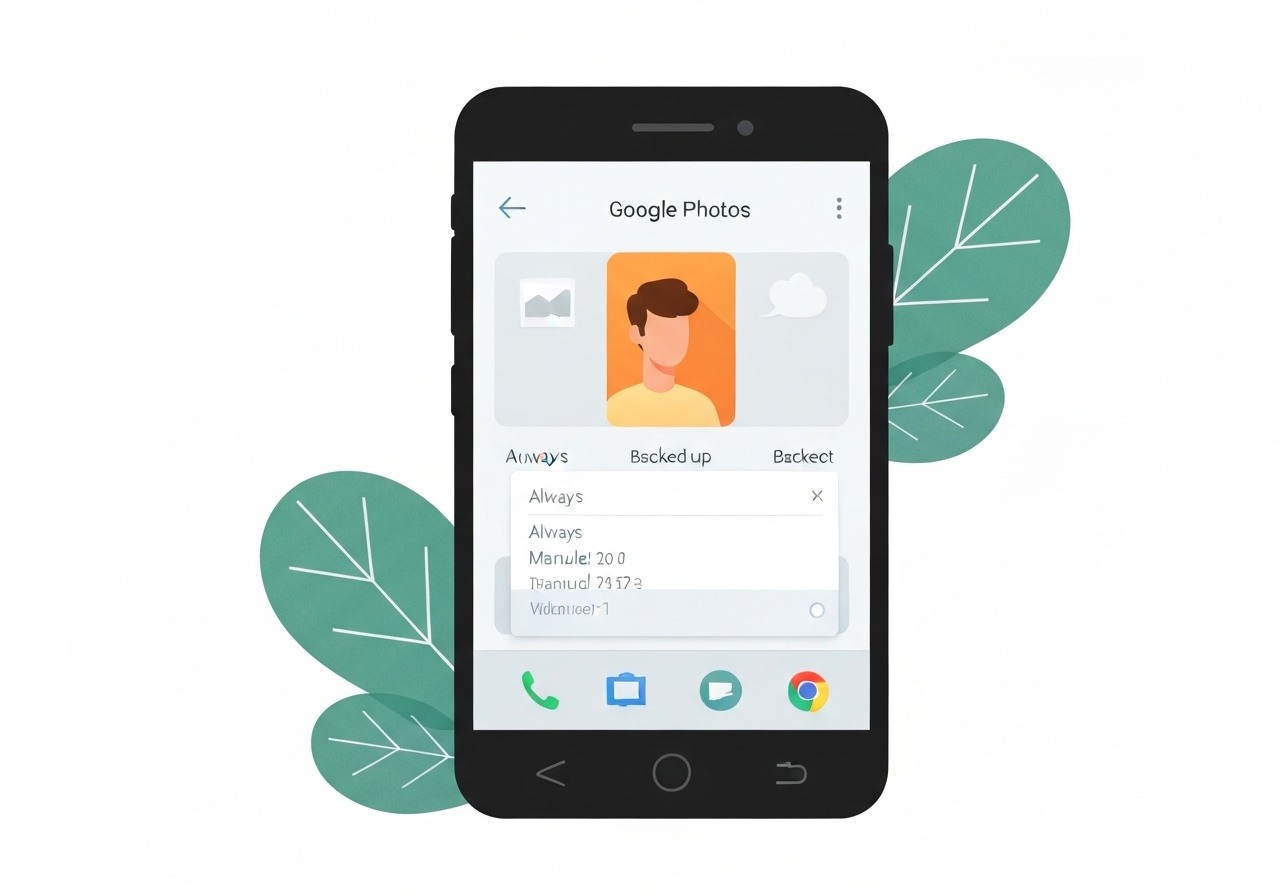
Google Photos appears to be preparing a new Backup schedule control that would let users pick when photos are uploaded to the cloud. The hint comes from an APK teardown of Google Photos version 7.58.0.853810532 and a visual refresh tied to Material 3 Expressive. If released, the setting could add daily/weekly/monthly or time-of-day options to the app’s Backup tools. APK-based discoveries are predictive, so the feature’s arrival and final form remain uncertain.
Key Takeaways
- The discovery comes from an APK teardown of Google Photos version 7.58.0.853810532, which shows UI changes and a new “Backup schedule” entry.
- Backup settings are being reshaped with Material 3 Expressive visuals into containers and new headings such as “How to back up,” “What to back up,” and “Backup tools.”
- “Backup schedule” suggests users may choose a specific upload time or a cadence (daily/weekly/monthly), though exact options are not present in the code snapshot.
- Users have requested time-based backup controls for years across official forums and threads, increasing demand for the feature.
- APK teardown findings are speculative; Google may change or abandon the feature before public release.
Background
Google has been progressively applying Material 3 design updates across its apps since announcing the Expressive variant of the design language. The refresh emphasizes clearer grouping, containers, and updated typography, intended to make settings pages easier to scan. Google Photos’ Backup page already contains toggles for backup on/off, quality selection, and device folder backups; the new layout appears to reorganize those controls for improved clarity.
Third-party observers and users have repeatedly asked for scheduling controls that limit uploads to specific times—often to avoid cellular data use or to defer heavy uploads to off-peak hours. Historically, Google Photos offered only broad controls (on/off, quality, and selective folder backups) rather than explicit time or cadence settings. Other Android system components do include scheduled operations, which may have inspired similar functionality inside Photos.
Main Event
The APK teardown of Google Photos build 7.58.0.853810532 reveals a redesigned Backup page. Options such as Backup Mode, Backup quality, and Back up device folder are presented inside discrete containers and grouped under fresh headings. This visual reorganization aligns with Material 3 Expressive conventions and makes each control’s purpose more explicit.
Under the new “Backup tools” heading, the teardown shows a previously unseen entry labeled “Backup schedule.” The label implies an interface to select a specific upload time or a recurring cadence. The teardown does not include the scheduling UI itself, so the underlying controls, granularities (minute/hour/day), and network constraints are not visible.
App strings and layout hints suggest the schedule could mirror Android-level scheduled backups or provide simpler presets (for example: daily at night, weekly, or manual). The teardown gives no indication of whether scheduling will be restricted by account type, device, or network condition. APK teardowns capture work-in-progress assets, so the feature may be incomplete or removed before public rollout.
Analysis & Implications
A genuine Backup schedule in Google Photos would address a persistent user pain point: unwanted uploads during cellular use or at inconvenient times. Enabling time-of-day or cadence-based uploads would let users limit backup-related data consumption and battery impact, particularly for those on metered connections or with large photo libraries. For many users, the change could reduce surprise data charges and improve device performance during peak usage hours.
From Google’s perspective, introducing scheduling is low risk but high value: it improves user control without changing core storage policies. The company can implement scheduling as a client-side control that defers uploads rather than altering backend storage quotas or quality tiers. That approach keeps infrastructure unchanged while improving the user experience.
There are trade-offs: scheduled backups could create longer queues of unuploaded photos and raise privacy considerations if users assume backups are immediate. Product design will need to clearly communicate what scheduled backups mean for visibility across devices and for shared albums. Additionally, Google must ensure scheduling honors battery optimization and system-level background restrictions on modern Android versions.
Comparison & Data
| Backup option | Typical behavior | Observed/Expected in teardown |
|---|---|---|
| Immediate auto-backup | Uploads shortly after capture when conditions permit (Wi‑Fi or cellular based on user setting) | Existing, unchanged in layout |
| Manual backup | User triggers upload for selected items or folders | Existing, unchanged |
| Scheduled backup (proposed) | Uploads at a set time or cadence (e.g., nightly) | Shown as label in APK but controls not present |
The table shows the expected behavioral difference if a schedule control is implemented. While immediate and manual backups are established behaviors, the APK indicates only the presence of a schedule entry; specific parameters such as recurrence options and constraints remain undisclosed. Designers will need to balance user clarity, system resource use, and cross-device consistency when implementing this feature.
Reactions & Quotes
Android-focused outlets and user communities quickly noted the teardown, emphasizing both the UI refresh and the discovery of the schedule label. Below are two short sourced excerpts and their contexts.
An APK teardown helps predict features that may arrive on a service in the future based on work-in-progress code.
Android Authority (article)
Android Authority used that cautionary wording to remind readers that teardown artifacts do not guarantee a release. The site published the version-specific findings and screenshots that first revealed the Backup schedule label.
Material 3 Expressive updates give apps clearer grouping and refreshed surfaces.
Google (Material Design materials)
Google’s Material 3 guidance explains the visual and structural principles that the Photos update appears to apply; those principles help explain why the Backup page is moving to containerized options and new headings.
Unconfirmed
- The exact scheduling options (time-of-day granularity, presets, or custom times) are not visible in the teardown.
- It is unclear whether scheduled backups will respect or override Android system-level battery or data saver modes.
- There is no confirmation of a public rollout date or whether the feature will be available across all accounts and platforms.
Bottom Line
The APK teardown indicates Google Photos is receiving a Material 3 Expressive refresh that reworks backup settings and exposes a new “Backup schedule” label. If shipped, a scheduling control would be a meaningful usability improvement, giving users finer control over data, battery, and upload timing without altering storage policies.
Because the evidence comes from a teardown of version 7.58.0.853810532, the feature should be treated as provisional. Interested users and administrators should watch official Google Photos release notes and the app’s settings after updates for confirmation and details about scheduling options and constraints.