
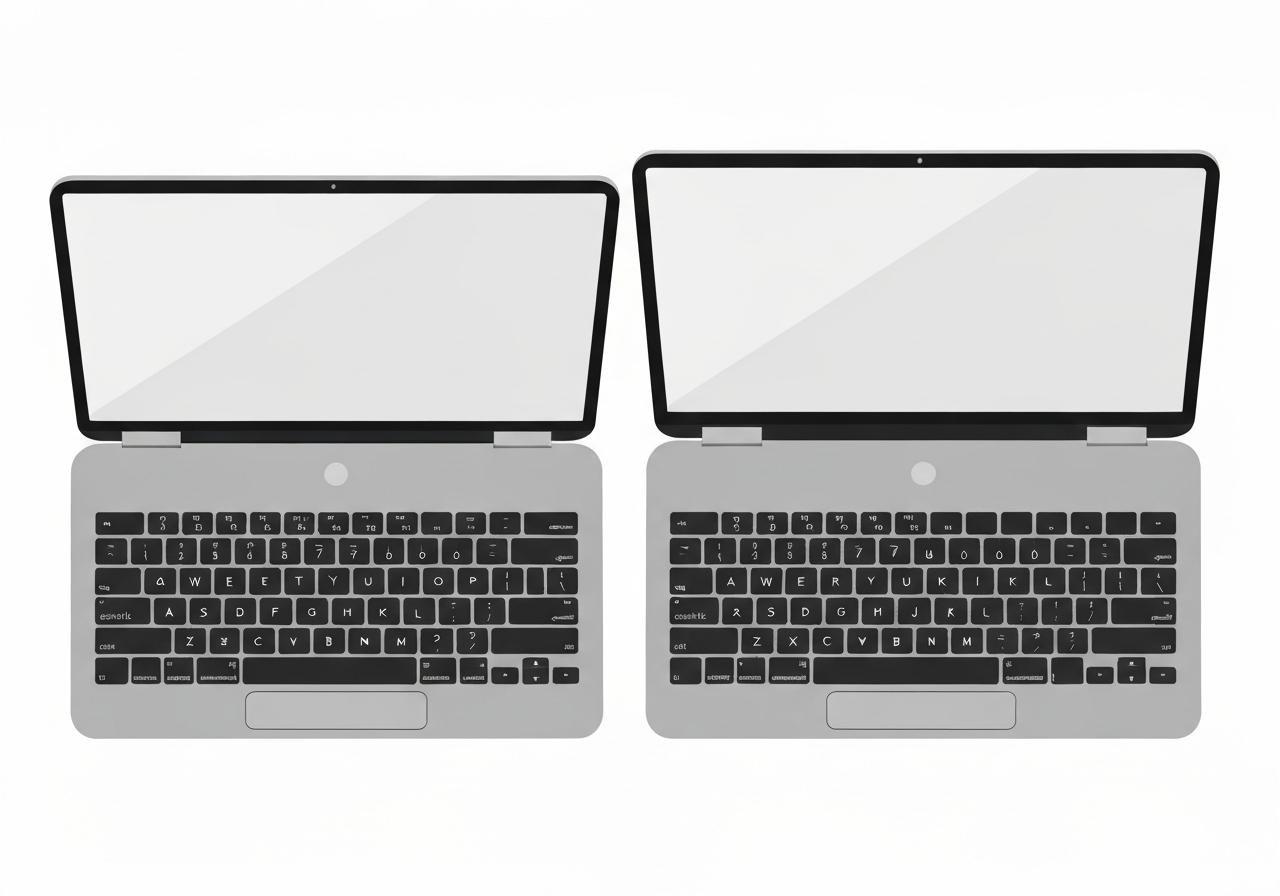
Lead: On March 10, 2026, Apple shipped new M5 MacBook models — the M5 MacBook Air and MacBook Pro (with M5 Pro and M5 Max) — that are visually similar to their predecessors but include a subtle input change users may notice immediately. Several common keys (tab, caps lock, return, shift and delete) now display graphic symbols rather than English text labels, aligning Mac keyboards with a widely used international glyph standard. The adjustment appears across the new Air, the new Pro models and the MacBook Neo, and follows icon usage already common in iOS and iPadOS. Early commentary notes the change is stylistic but could affect first-time Mac or PC-switching users in the United States.
Key Takeaways
- The March 10, 2026 M5 MacBook Air and M5 MacBook Pro (M5 Pro and M5 Max) replace text labels on several keys with glyphs, specifically tab, caps lock, return, shift and delete.
- The glyphs mirror symbols already used in macOS menus and on iOS/iPadOS keyboards, creating cross-platform consistency across Apple devices.
- This keyboard labeling is already standard on many international Apple layouts; the United States layout has been a notable outlier until now.
- The Air still shows text on function, control, option and command keys alongside their symbols, so not all text labels are removed.
- Apple’s exterior design remains largely unchanged: the visible differences are internal (M5 chips) and the updated key legends.
- The MacBook Neo, positioned to attract PC switchers, also uses these glyphs, which could modestly raise the learning curve for new users.
- No official Apple statement explaining the change was published at the time of reporting; commentary comes primarily from product reviewers and early users.
Background
Apple has long varied keyboard legends by region: many international keyboard standards favor small, language-neutral symbols to represent key functions, while the U.S. layout historically included English text labels for certain keys. Over time, Apple has also worked to harmonize visual language across macOS, iOS and iPadOS, using the same small icons for actions in menus and on-screen keyboards. The new M5 MacBooks continue a gradual design trend toward minimalism and symbolic interfaces that reduce language dependency and simplify manufacturing across multiple markets.
Apple’s March 2026 laptop lineup centers on its M5 family of silicon — M5, M5 Pro and M5 Max — with the company presenting incremental feature and performance updates rather than wholesale external redesigns. The keyboard label change is subtle compared with the chips but notable because it is immediately visible to anyone who types. For users migrating from Windows or older Mac hardware, the presence or absence of text on keys can influence perceived accessibility and ease of transition.
Main Event
Reviewers first called attention to the label change in hands-on coverage published with the new models. Dan Moren’s MacBook Air review for Six Colors highlighted that several keys that previously showed short English words now use glyphs consistent with internationally adopted symbols. The affected keys include tab, caps lock, return, shift and delete; other modifiers such as control, option and command retain both symbols and text on the Air’s keyboard.
The glyphs themselves are not novel designs: they match the small icons Apple has used for shortcut and action labels in menus and on touch keyboards for years. On the new MacBooks, these symbols replace text on the keycaps rather than appearing only in software. The change appears across the new MacBook Air, the two new MacBook Pro variants, and the MacBook Neo model, giving Apple a uniform key legend approach across much of its laptop line.
User reaction in early comments and forum threads is mixed. Some longtime Mac users are indifferent, noting they already rely on muscle memory rather than the legends. Others — particularly prospective PC switchers who might buy the MacBook Neo — expressed a preference for visible text during a transition period. Retail and review photos circulated online this week brought the change to wider attention.
Analysis & Implications
Usability: replacing English labels with glyphs reduces language dependence and streamlines the keyboard surface, but it can create a transient usability cost for new users who expect text cues. For many experienced typists the difference is negligible; for novices or people switching ecosystems, the absence of text could increase brief hesitation at certain keys such as caps lock or return.
Localization and manufacturing: adopting a single glyph-based legend across regions likely simplifies production and inventory management for Apple. A unified keycap design reduces the need for multiple language-specific molds and may lower complexity for replacement parts or global accessory compatibility.
Product ecosystem consistency: moving keyboard legends to the same symbols used in macOS and iOS tightens Apple’s cross-device visual language. That consistency can aid discoverability when users transition among iPhone, iPad and Mac by reinforcing the same iconography for core text actions.
Market positioning and perception: the timing is notable because Apple simultaneously promotes the MacBook Neo as a value-oriented model to entice switchers. Removing text labels could be perceived as a step away from newcomer-friendly cues; conversely, Apple may calculate that global consistency and long-term simplification outweigh short-term friction for some buyers.
Comparison & Data
| Key | Previous (U.S.) | New (M5 models) |
|---|---|---|
| Tab | “tab” (text) | ↹ (glyph) |
| Caps Lock | “caps lock” (text) | ⇪ (glyph) |
| Return | “return” (text) | ⏎ (glyph) |
| Shift | “shift” (text) | ⇧ (glyph) |
| Delete | “delete” (text) | ⌫ (glyph) |
The table shows a direct substitution of short English labels with standard interface glyphs. This mirrors keyboard key legends already used in many non‑U.S. regional layouts and matches the symbols used in Apple’s software interfaces. The switch reduces text density on the keycaps while preserving functional meaning for users familiar with the symbols.
Reactions & Quotes
Review coverage and commentary framed the change as small in scope but meaningful for first impressions.
“If you’re sitting there thinking ‘Wait, what do you mean—it’s been that way forever?’ then congratulations, you’re probably outside the United States.”
Dan Moren / Six Colors (review)
In conversational reaction, some commentators noted personal preference for text labels while acknowledging many users adapt quickly.
“Personally, I’m a fan of the text labels on the keyboard. I don’t need them, but they’re nice to have.”
9to5Mac commentary
Unconfirmed
- Apple has not published an official rationale for the label change; the company’s public commentary on the decision was not available at the time of reporting.
- It is unconfirmed whether Apple will adopt the same glyph-only approach for standalone keyboards (such as the Magic Keyboard) or for future compact form factors.
- The exact timetable for updating U.S. retail stock or existing inventory with glyph-key models is not publicly documented.
Bottom Line
The March 10, 2026 M5 MacBook release includes a modest but visible keyboard legend change: several keys replace English text with internationally common glyphs. Functionally the keyboards operate the same, but the presentation shifts toward visual consistency with iOS/iPadOS and with Apple’s international layouts.
For current, experienced Mac users the change will likely be unremarkable; for newcomers and PC switchers, it represents a small adaptation cost during their first hours with the machine. Watch for Apple’s support materials and retail displays to clarify symbols for new buyers, and for future updates to reveal whether Apple extends the glyph-first approach to its full keyboard accessory lineup.
Sources
- 9to5Mac — technology news site (product hands-on and commentary)
- Six Colors (Dan Moren) — independent Apple-focused blog (review and analysis)
- Apple Newsroom — official Apple announcements and product pages (official source)