
Lead
With Google’s November 2025 Feature Drop, AI Notification Summaries have begun rolling out to the Pixel 9 and Pixel 10 series (Pixel 9a excluded). The feature is off by default and does not appear automatically after installing the November update; deployment is gradual. Summaries are generated on-device and are limited to selected conditions — notably English “long conversations” from major messaging apps like Google Messages and WhatsApp. Google says the summaries use Android System Intelligence and an up-to-date Gemini Nano model, and will not run when Battery Saver is active or when you are actively using the phone.
Key takeaways
- The feature arrives as part of the November 2025 Feature Drop and is currently rolling out to Pixel 9 and Pixel 10 series devices; Pixel 9a is excluded.
- Notification Summaries are disabled by default and do not automatically appear after the November patch; users must enable them at Settings > Notifications > Notification Summaries.
- Only English-language, long messaging threads from “popular” apps such as Google Messages and WhatsApp are eligible for summaries; short texts, multi-language content and emoji-only notifications are excluded.
- Summaries appear with a sparkle icon and italicized preview; expanding the notification reveals the full message thread.
- Summaries are generated on-device via Gemini Nano and require Android System Intelligence to be set to “Allowed” at Settings > Notifications > Privacy > Notification read, reply & control.
- The feature is disabled while Battery Saver is enabled and will not generate if the screen is active; the device screen must be off briefly for a summary to appear.
- Google also adds a per-app control (“Don’t include these apps”) so users can opt out specific apps from summarization.
- In December, Google will add automated grouping and silencing of lower-priority notifications into categories such as “News” and “Promotions” at the bottom of the shade.
Background
Google’s Feature Drops have become a recurring mechanism to ship incremental Pixel improvements outside the major OS release cadence. The November 2025 drop focuses on AI enhancements that run on-device to limit data leaving the phone, reflecting Google’s recent push for edge AI with smaller models like Gemini Nano. Notification summarization follows earlier Pixel efforts to reduce notification noise and apply automated triage to what users see in the shade.
Messaging volume and notification overload are common user complaints that platform makers have tried to address via priority settings and category filters. Unlike server-side notification processing, Google’s approach relies on Android System Intelligence and an on-device model, which changes the privacy and performance trade-offs: summaries can run without routing content to cloud servers, but they require local model updates and explicit permissions. Stakeholders include app developers (whose messages may be summarized), privacy advocates, and users who want fewer interruptions while retaining access to full content on demand.
Main event
Google began rolling out AI Notification Summaries with the November 2025 Feature Drop but limited eligibility to the Pixel 9 and Pixel 10 series, excluding budget variants such as the Pixel 9a. Users who want the feature must navigate to Settings > Notifications > Notification Summaries and enable it manually; if Android System Intelligence is not permitted to read notifications, summaries won’t be generated. The company warns the capability is not yet widely rolled out and may take time to reach all eligible devices.
To manage scope, Google restricts summarization to “long conversations” in English coming from what it describes as popular messaging apps — examples given include Google Messages and WhatsApp. Notifications that are brief, contain multiple languages, or consist only of emoji are explicitly outside the summarizer’s target. Additionally, Battery Saver mode disables the feature to preserve power, and a summary will not be produced if the user is actively using the phone; the device screen must be off for a moment for the system to decide to synthesize a summary.
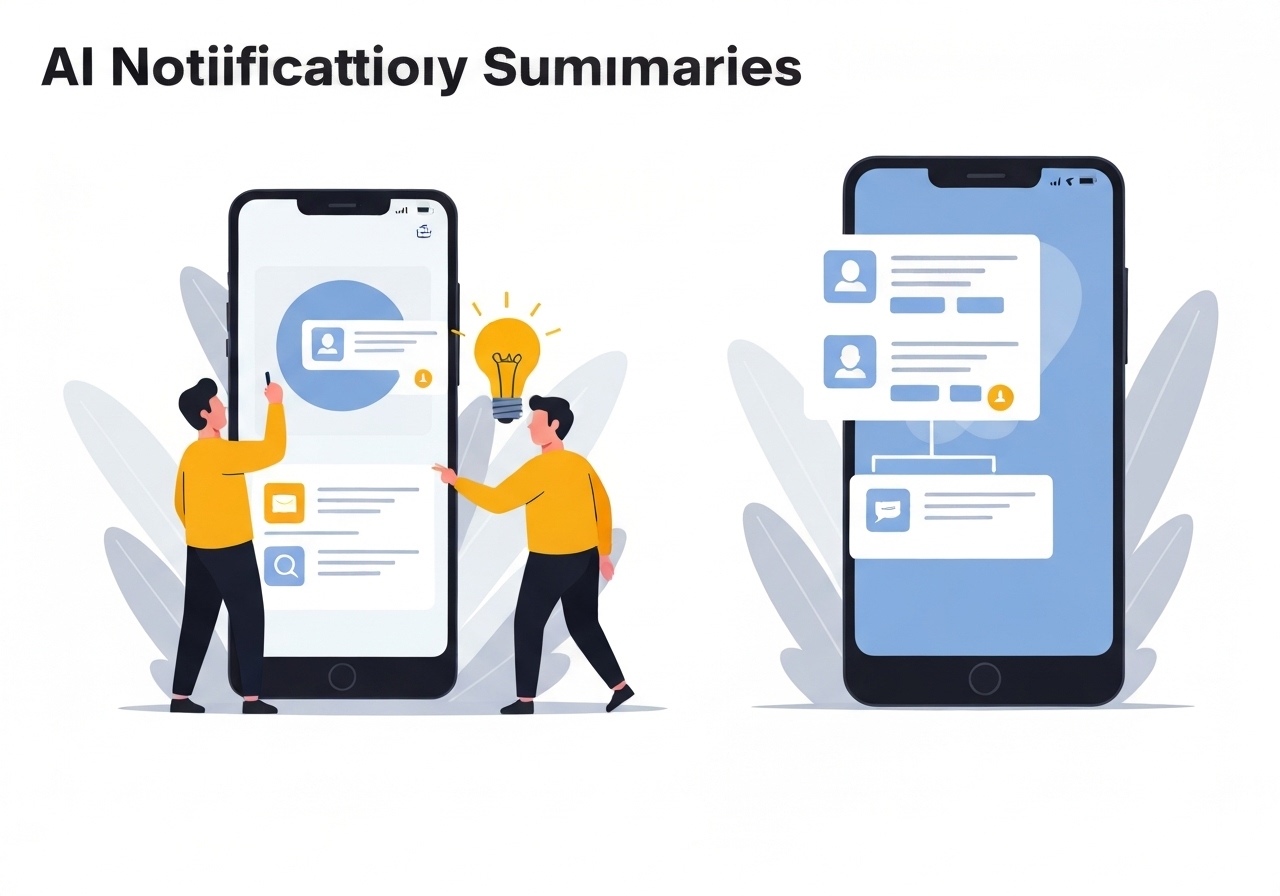
When a summary is shown it uses a visual cue — a sparkle icon — and the preview text is italicized to distinguish it from standard notifications. Tapping or expanding the notification reveals the unabridged message thread, preserving user access to the original content. There is also an opt-out control labeled “Don’t include these apps,” which allows users to exclude specific apps from being summarized even if they otherwise meet the eligibility criteria.
Analysis & implications
On-device summarization via Gemini Nano and Android System Intelligence aims to balance convenience with privacy. Running the model locally reduces the need to transmit message content to cloud servers, which may ease some privacy concerns. However, the requirement to grant Android System Intelligence explicit permission to read notifications means users must trust that local processing and permission handling are implemented securely and transparently.
Limiting summaries to English and longer threads narrows the feature’s utility but reduces misinterpretation risks in multilingual contexts and avoids producing misleading one-line paraphrases. This conservative approach lowers false positives but may disappoint multilingual users or those who rely on short, contextual messages. The exclusion of emoji-only notifications and short texts indicates Google prioritizes summarizing substantive exchanges rather than quick status updates.
From a product standpoint, the rollout strategy — disabled by default, manual opt-in, staged deployment — suggests Google is treating this as an experimental addition that requires real-world signals before broader activation. Requiring Gemini Nano to be up-to-date creates a dependency on model updates; devices that skip updates or are offline may not benefit. Finally, the December change to auto-group and silence lower-priority notifications points to a broader effort to reduce interruption by combining classification and summarization features.
Comparison & data
| Condition | Summarized? | Notes |
|---|---|---|
| Long conversation (English) from WhatsApp | Yes | Eligible when Android System Intelligence is Allowed |
| Short SMS (single-line) | No | Short texts are excluded |
| Multilingual thread | No | Summaries skip multi-language content |
| Emoji-only notification | No | Not summarized |
| Battery Saver active | No | Feature disabled to conserve power |
The table summarizes Google’s stated conditions for when Notification Summaries will and will not be produced. These rules are designed to reduce errors and conserve device resources; they also clarify why some users may not see the feature even after installing the November update.
Reactions & quotes
“We summarize long conversations in English from popular messaging apps,”
Google (feature notes)
“Android System Intelligence must be set to ‘Allowed’ for notification read, reply & control to enable summaries.”
Android settings documentation
Early user reaction shared on social forums (paraphrased) highlights appreciation for reduced clutter but requests clearer controls for multilingual households and enterprise-managed devices. Privacy advocates note that on-device processing is preferable to cloud summarization, while urging transparency about what data the local model accesses and how updates are delivered.
Unconfirmed
- Precise rollout schedule and percentage of eligible Pixel 9/10 devices that will receive the feature in each week remain unspecified by Google.
- Which additional third-party messaging apps beyond Google Messages and WhatsApp will be supported is not fully listed and may change over time.
- Whether enterprise-managed Pixel devices will have the same permissions and summaries behavior by default is not clarified.
Bottom line
Google’s AI Notification Summaries aim to reduce notification overload on Pixel 9 and Pixel 10 devices by generating short, on-device previews for longer English conversation threads from major messaging apps. The implementation emphasizes user control — the feature is off by default, depends on explicit permissions, and includes per-app opt-outs — and constrains scope to lower risk situations like single-language, substantive threads.
For users who value fewer interruptions and prioritize local processing, the feature could be a meaningful improvement once it reaches their device. However, multilingual households, users of excluded apps or those in Battery Saver mode should not expect summaries. Tracking model updates (Gemini Nano) and Android System Intelligence permissions will be essential for ensuring the feature works as intended.