
Lead
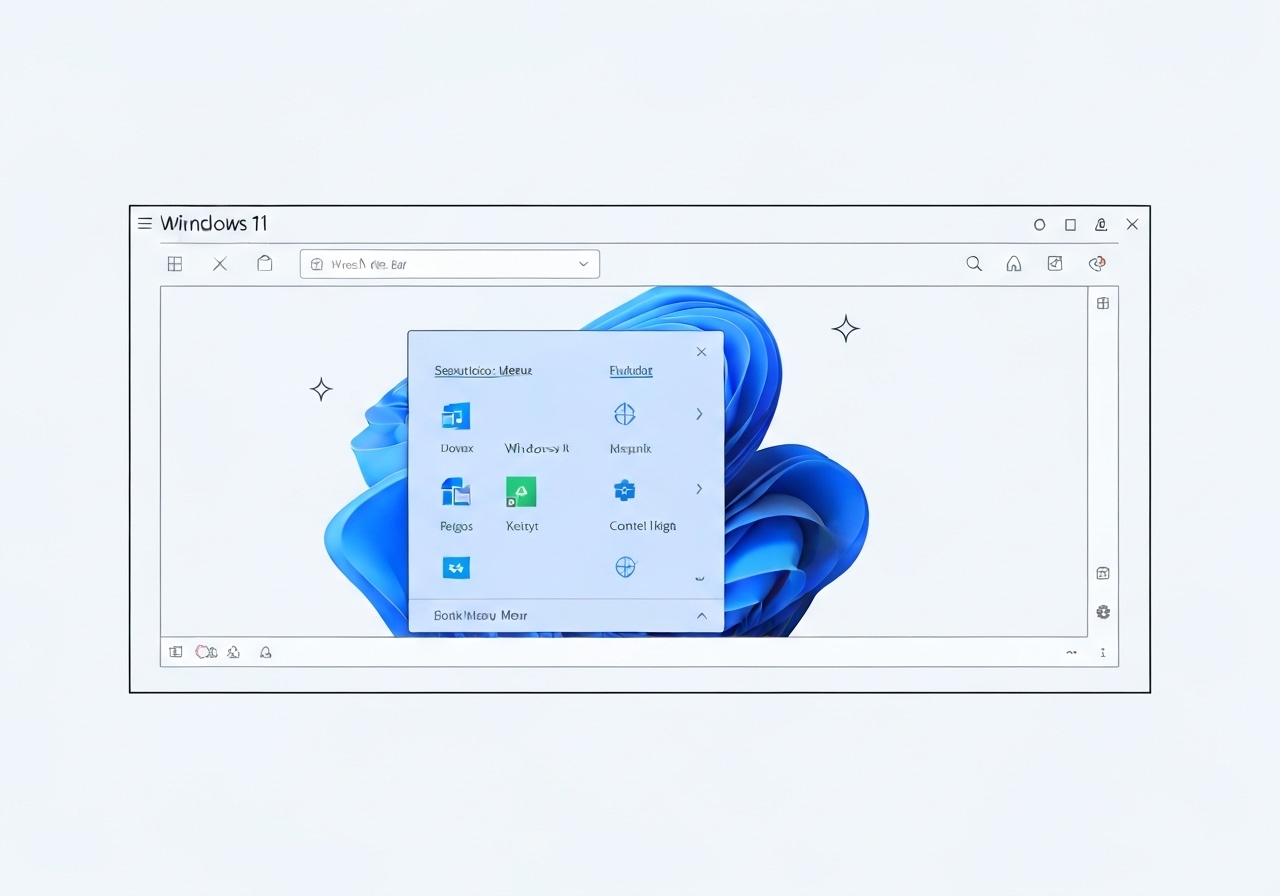
Microsoft’s PowerToys team is testing a new optional top menu interface for Windows 11 called the Command Palette Dock. The proposal, shared as concept images and an early code project, aims to give users quick access to tools, resource monitoring and pinned extensions. The dock would be highly configurable—positionable at the top, left, right or bottom of the screen and divided into three pin regions—start, center and end. Microsoft is soliciting feedback and offering an early importable preview via the PowerToys GitHub for developers to try in Visual Studio.
Key Takeaways
- The feature is an experimental PowerToy named the Command Palette Dock that complements the Command Palette launcher introduced last year.
- The dock can be placed on the top, left, right or bottom edge of the screen and supports three pin regions: start, center and end.
- Microsoft provided concept mock-ups and says the dock will be “highly configurable” with options for background, styling and theme adjustments.
- Users would be able to pin and reorder extensions freely across the dock regions and modify visual elements.
- Developers can test an early version by importing the PowerToys project from Microsoft’s GitHub into Visual Studio.
- The Command Palette launcher is already available and functions similarly to macOS Spotlight for fast command and app access.
Background
PowerToys is a long-running Microsoft initiative that offers optional utilities to power users and developers. Historically, PowerToys has incubated interface and productivity experiments—ranging from window management tools to command launchers—that may evolve into broader Windows features or remain as standalone utilities. The Command Palette, introduced last year, signaled Microsoft’s interest in quick-access command launchers similar to tools on macOS and various Linux desktops.
The new dock concept echoes long-standing UI patterns found on macOS and many Linux distributions: a persistent bar for launching apps, monitoring status and accessing utilities. Microsoft frames the dock as a configurable complement to the existing Command Palette rather than a replacement for the Windows taskbar. That distinction matters to users and administrators concerned about redundancy, learnability and enterprise deployment policies.
Main Event
Microsoft’s PowerToys team released concept images and a GitHub project outlining the Command Palette Dock and asked the community for feedback. The mock-ups show a slender dock that can attach to any screen edge, with pins organized into three zones that accommodate app shortcuts, widgets and developer extensions. The team describes customization for background, styling and themes, plus the ability to move extensions between regions with drag-and-drop-like controls.
Functionally, the dock is positioned as an optional UI layer: users can enable it through PowerToys and tailor which extensions appear in each region. Microsoft highlights use cases such as quick-launch shortcuts, lightweight system monitors and access to development tools—integrations that mirror the Command Palette’s role in giving rapid access to commands and apps. The company also emphasizes that this is an experiment; it is gathering input before any decision to ship widely.
Developers interested in trying the preview can import a PowerToys project from Microsoft’s GitHub into Visual Studio and run the early build locally. That path allows technical users to test behavior, file issues and submit feedback directly to the repository where the PowerToys team tracks community contributions and bug reports. Microsoft’s product managers are explicitly inviting that feedback to refine positioning, accessibility and performance considerations.
Analysis & Implications
If Microsoft advances the dock from PowerToy to an officially supported feature, it could shift how power users navigate Windows by offering a persistent, extensible UI similar to docks on competing operating systems. For developers and power users, the dock could reduce friction for launching tools and monitoring processes, particularly when paired with the existing Command Palette. That combination would create two complementary fast-access layers: a keyboard-driven palette and a screen-edge dock for pinned items and widgets.
From an enterprise perspective, Microsoft will need to address manageability and security. IT administrators evaluate new UI elements for policy control, telemetry impact and compatibility with existing endpoint management tools. A configurable dock that permits third-party extensions raises questions about extension vetting, signing and update mechanisms—areas enterprises typically scrutinize before approving broad deployment.
Performance and accessibility are other practical considerations. Persistent UI elements can consume system resources and interact with fullscreen apps or multiple-display setups in unexpected ways. Microsoft’s early testing and developer preview path will be important to surface issues across GPU, input methods and assistive technologies. The PowerToys team will likely use community feedback and telemetry from opt-in testers to iterate on responsiveness and compatibility.
Comparison & Data
| Feature | Windows 11 Command Palette Dock (proposed) | macOS Dock / Linux Panels |
|---|---|---|
| Positioning | Top, left, right, bottom | Typically bottom or side (macOS bottom, many Linux options) |
| Regions | Three pin zones: start, center, end | Varies; usually single contiguous area |
| Customization | Background, styling, theme, reorderable extensions | Themeable on some platforms; extensions/widgets supported on Linux |
| Integration | Designed to complement Command Palette | App launch, dock menus, widgets |
The table situates Microsoft’s concept against existing dock/panel paradigms. While macOS and many Linux desktops offer persistent docks or panels, the PowerToys proposal emphasizes modular regions and direct ties to the Command Palette. The modular three-region approach is relatively uncommon in default desktop docks and could enable clearer separation of app launchers, widgets and utility extensions.
Reactions & Quotes
Microsoft product staff framed the dock as a customizable complement to PowerToys and the Command Palette, focusing on flexibility and developer extensibility.
“The dock is designed to be highly configurable,”
Niels Laute, Senior Product Manager, Microsoft
This statement was offered alongside the concept visuals and reflects Microsoft’s intention to let users control placement, appearance and pinned content. The emphasis on configuration is likely aimed at addressing concerns about duplicating taskbar functionality and ensuring the feature can be tailored to diverse workflows.
External observers and developers reacted pragmatically, emphasizing testing needs and integration points.
“A dock that complements the Command Palette could speed up workflows, but accessibility and enterprise controls will determine broader adoption,”
Independent developer and community tester (paraphrased)
Community responses in GitHub issues and discussion threads show interest from power users and questions from IT professionals about manageability. The developer-preview route has prompted technical feedback focused on behavior with multiple displays and interactions with fullscreen applications.
Unconfirmed
- Whether Microsoft will ship the Command Palette Dock as a mainstream Windows feature remains undecided; it is currently an experimental PowerToy.
- No public timeline has been provided for a stable release or broader rollout beyond the developer preview on GitHub.
- Details on enterprise controls, extension vetting, and update/signing policies have not been finalized and were not published with the concept materials.
Bottom Line
The Command Palette Dock is an experimental PowerToys concept that could give Windows 11 users a configurable, dock-like UI for pinned tools and monitoring, positioned anywhere on the screen and divided into three regions. It is explicitly designed to complement—rather than replace—the Command Palette launcher Microsoft released last year. Community testing via the PowerToys GitHub will shape decisions on accessibility, performance and enterprise suitability.
For now, the dock remains a proposal: interested developers can import the preview into Visual Studio to test and contribute feedback, while broader user adoption will depend on how Microsoft addresses manageability, extension security and cross-display behavior. Observers should watch the PowerToys repository and official Microsoft channels for updates and any signals about a mainstream release.
Sources
- The Verge — media report summarizing PowerToys concept and interviews (journalism)
- PowerToys GitHub — official open-source repository with project code and issues (official / developer)