
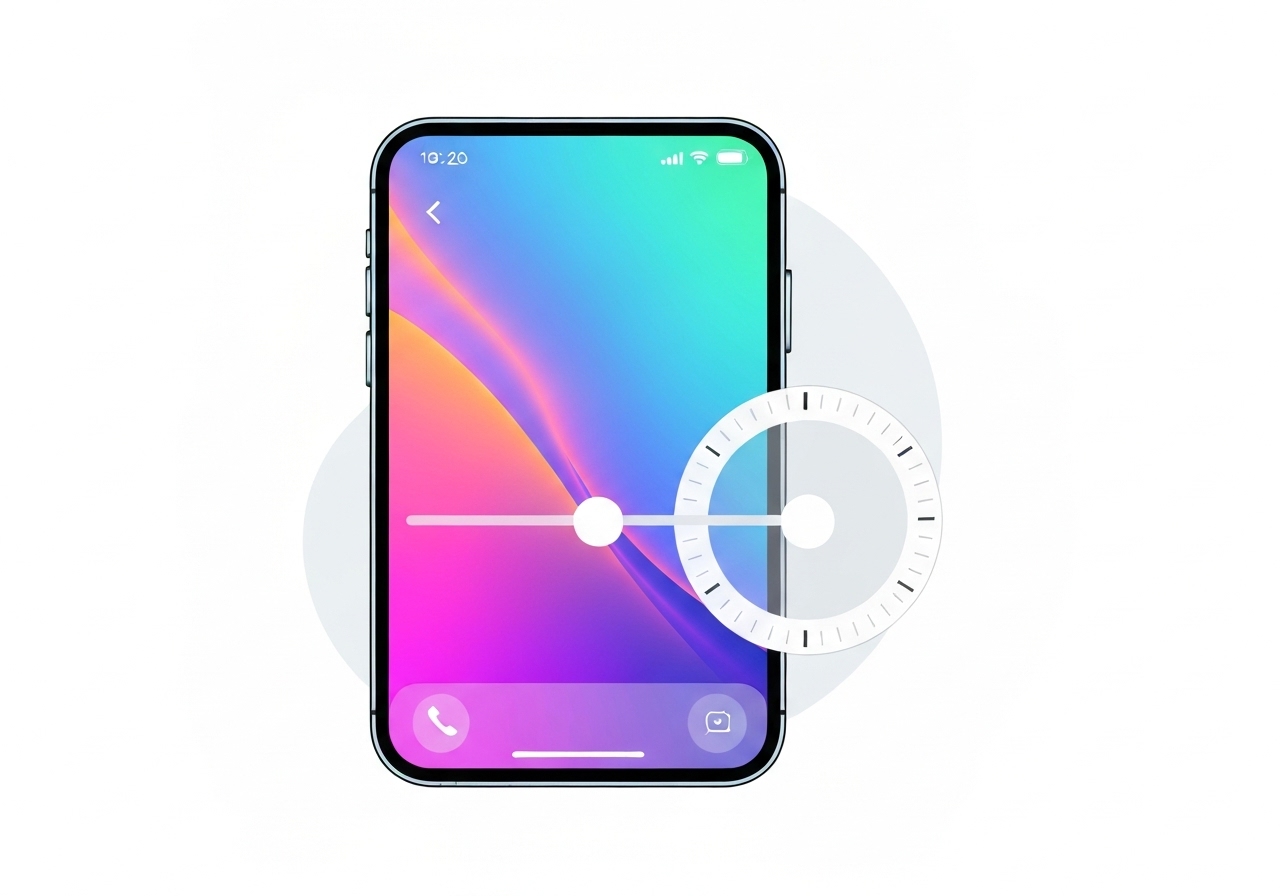
Lead: Apple on December 12, 2025 released iOS 26.2, adding a new control that lets users reduce the Lock Screen clock’s Liquid Glass transparency. The update follows iOS 26.1’s system-wide opacity slider and addresses ongoing complaints that the semi‑transparent interface made text and controls harder to read. Alongside the Lock Screen tweak, iOS 26.2 introduces several new features and security patches across Apple’s product lineup.
Key Takeaways
- iOS 26.2 (released December 12, 2025) adds a Lock Screen clock transparency slider so users can reduce the “glassiness” of that element.
- This change complements the iOS 26.1 global Liquid Glass opacity slider that allowed users to return to a more frosted appearance.
- Other 26.2 features include AirDrop codes for non‑contacts (codes make a person a known contact for 30 days), Reminders alarms, an Apple News “Following” tab, offline lyrics in Apple Music, and AI‑powered podcast chapters.
- Apple Watch gains a Sleep Score tied to sleep-goal attainment in this release.
- On December 12, 2025 Apple also shipped security updates for iPhone, iPad, Mac, Apple TV and Apple Watch to patch vulnerabilities used in an active exploitation campaign.
Background
Apple introduced the Liquid Glass design language with iOS 26 as a major visual overhaul intended to modernize UI elements by making controls partially transparent and simulating glass refraction. The visual shift affected buttons, sliders, notifications and other interface components across iPhone and other Apple devices.
The effect was divisive: while Apple framed Liquid Glass as a forward‑looking aesthetic, some users and accessibility advocates reported that increased translucency reduced legibility for notifications, music metadata and other text. In response Apple shipped iOS 26.1 with a slider to lower overall Liquid Glass opacity, offering a way back toward a more frosted look.
The broader context includes speculation that Apple’s design changes are preparing the OS for future display technologies, such as AR/AI eyewear, where layered translucency may play a role. Leadership changes in Apple’s design organization this month—most notably Alan Dye’s departure and Stephen Lemay’s elevation—have also focused attention on how the company will refine the new visual language.
Main Event
With iOS 26.2, Apple added a targeted control for the Lock Screen clock so users can independently adjust that element’s transparency. The setting appears as a slider labeled for the clock’s “glassiness,” allowing a narrower, user‑level tweak rather than another global UI change.
Apple made the update available to users on December 12, 2025. The company framed the control as a customization, not a rollback of Liquid Glass system‑wide, preserving the design language while responding to feedback about specific legibility issues.
Alongside the Liquid Glass adjustment, iOS 26.2 introduces AirDrop codes that let someone outside your contacts become a known AirDrop recipient for 30 days. The company said this is useful for short‑term sharing scenarios, like workplaces or events where people exchange files but do not add contacts permanently.
The update also expanded app features: Reminders can now trigger alarms, Apple News adds a bottom navigation “Following” tab, Apple Music supports offline lyrics, and Podcasts gains AI-generated chapters and a Podcast Mention tool for linking between shows.
Analysis & Implications
The Lock Screen slider is a strategic compromise: it preserves Apple’s original aesthetic direction while giving users finer control. That approach reduces the risk of alienating proponents of the new design while addressing accessibility complaints that could otherwise drive dissatisfaction or regulatory scrutiny.
Technically, targeted controls are easier to roll out and test than sweeping visual reversals. By offering per‑element settings, Apple can gather telemetry and user feedback about which areas of the UI most affect usability, then iterate without abandoning the Liquid Glass concept.
The timing matters: design leadership turnover and vocal user critique create pressure for visible, user‑facing fixes. Elevating a designer with deep interaction and interface experience suggests Apple is prioritizing legibility and ergonomics as it refines Liquid Glass.
On the security front, publishing patches for vulnerabilities exploited in an active campaign is significant: coordinated updates for iPhone, iPad, Mac, Apple TV and Apple Watch indicate the flaws were cross‑platform and required immediate remediation to protect users.
Comparison & Data
| Release | Liquid Glass Control | Notable Additions |
|---|---|---|
| iOS 26 (initial) | System uses Liquid Glass by default | Design overhaul: translucent controls |
| iOS 26.1 | Global opacity slider | Option to reduce overall transparency |
| iOS 26.2 (Dec 12, 2025) | Lock Screen clock slider (per‑element) | AirDrop codes, Reminders alarms, offline lyrics, podcast AI chapters, Sleep Score on Watch |
The table above shows how Apple has moved from a system‑wide aesthetic change to granular user controls across two incremental updates. That pattern suggests iterative responsiveness rather than wholesale retreat from the original design intent.
Reactions & Quotes
“Users will now be able to control the transparency of the Lock Screen’s clock,”
Apple release notes (as reported)
This short statement, summarized from Apple’s update notes and reporting, underscores that the company framed the change as a new user choice rather than a forced reversal.
“The new control is another customization option after the global opacity slider added in 26.1,”
Tech reporting on iOS 26.2
Analysts and commentators view the step as incremental course‑correction: Apple keeps Liquid Glass while giving users targeted ways to reduce problematic translucency.
“Security patches were issued across Apple platforms to address vulnerabilities in active exploitation,”
Apple security advisories (summarized)
Apple’s coordinated update rollout on December 12, 2025 highlights the urgency of the fixes and the company’s push to close cross‑platform attack vectors.
Unconfirmed
- Whether Apple will add more per‑element sliders (beyond the Lock Screen) has not been confirmed by the company.
- The degree to which telemetry influenced the specific decision to add a clock slider (versus other elements) has not been publicly detailed by Apple.
Bottom Line
iOS 26.2 represents Apple’s pragmatic response to user feedback: rather than reversing Liquid Glass, the company continues to refine it with user controls. The Lock Screen clock slider is a narrow but meaningful adjustment that improves legibility where users most visibly struggled.
Combined with new features—AirDrop codes, Reminders alarms, offline lyrics, podcast AI chapters—and urgent security fixes issued on December 12, 2025, iOS 26.2 is both a usability course correction and a broader functional update. Watch for further per‑element adjustments as Apple balances design ambitions with real‑world use and accessibility needs.
Sources
- TechCrunch — reporting on iOS 26.2 and Liquid Glass (news media)
- Apple Newsroom (official Apple announcements)
- Apple Support (iOS release notes & security updates) (official support documentation)