
Lead
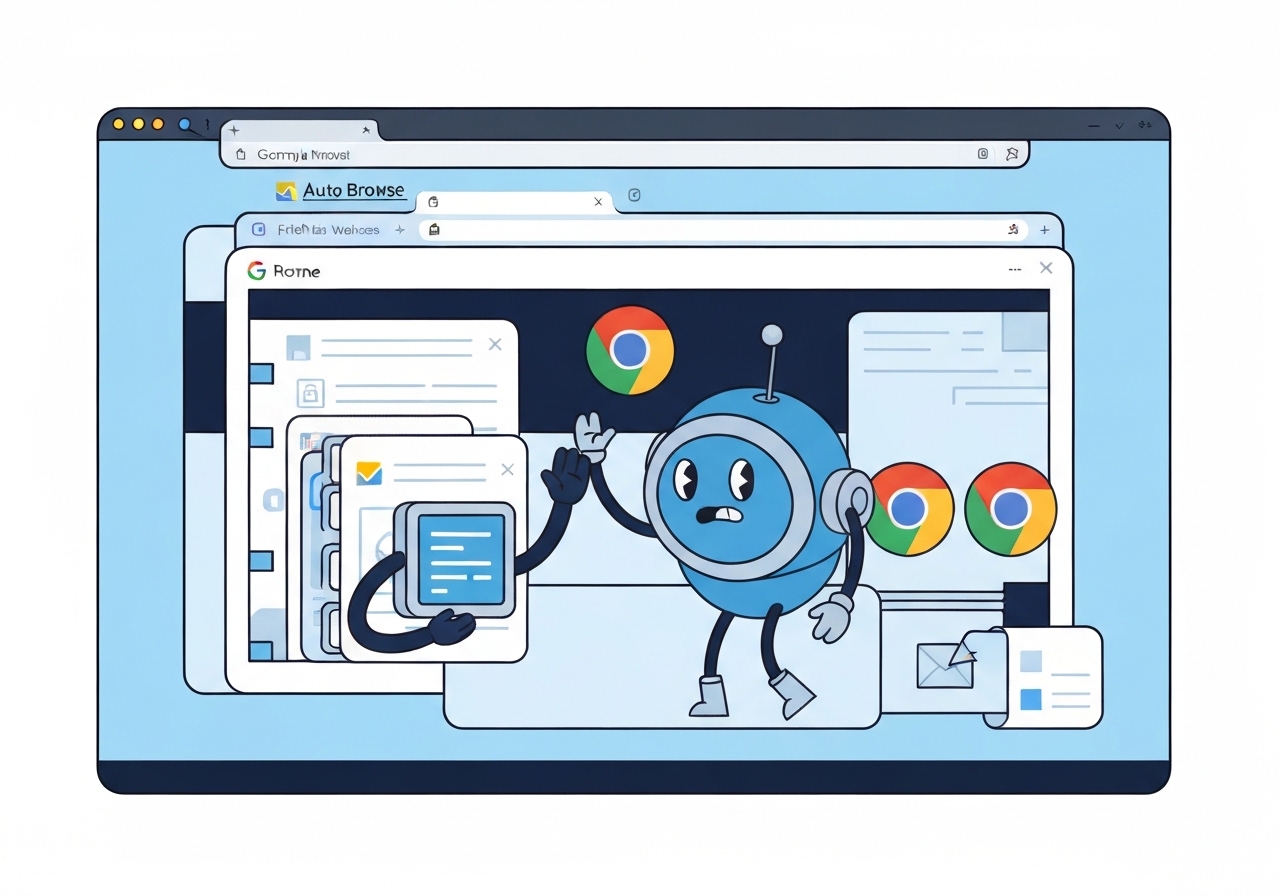
On Wednesday, Google introduced Auto Browse, a new Chrome feature that uses the Gemini 3 generative AI model to take over browser actions and attempt to complete tasks such as booking flights, hunting for apartments, or filing expenses. The tool runs from the Gemini sidebar in Chrome and is being released in the US today for subscribers to Google’s AI Pro and AI Ultra plans. During a prelaunch demo, a Chrome product director showed the agent performing shopping and coupon searches autonomously, while Google retained a warning that users remain responsible for the agent’s actions. Google says some sensitive steps—like posting to social media or finalizing payments—still require user confirmation.
Key Takeaways
- Google launched Auto Browse on Wednesday, powered by the Gemini 3 model, to perform multi-step web tasks inside Chrome.
- Initial availability is limited to the US and restricted to paying subscribers on the AI Pro and AI Ultra tiers; broader rollout timing is unspecified.
- Auto Browse is accessed via the Gemini sidebar and simulates clicks in its own tab while attempting to complete user requests.
- Google requires user oversight for high-risk actions such as social posts and completing credit-card payments.
- Google cautions users that they are responsible for the agent’s behavior during tasks and recommends monitoring its activity.
- Security risks include susceptibility to prompt-injection attacks on malicious sites that could misdirect the agent.
- Google’s move follows a wider trend of embedding generative AI into browsers, while a minority of browsers remain intentionally AI-free.
Background
Google’s introduction of Auto Browse follows an ongoing strategy to weave generative AI into consumer tools, building on last year’s Gemini-in-Chrome integration that let the model read page content and synthesize information across tabs. The company positions Gemini as a backbone for smarter browsing, moving beyond single-question answers toward agentic automation that can chain actions together. That shift mirrors broader Silicon Valley efforts to reframe the browser as an AI workspace rather than merely a navigation tool.
Not all browsers are embracing this route: a subset of users and competitors have sought to limit or avoid embedded AI, citing privacy and control concerns. Google has balanced feature rollout with staged availability—testing behavior with paying users first—while publicly emphasizing safety guardrails and user accountability. The debate over agentic AI in consumer products centers on convenience versus new classes of risk, including automation mistakes, privacy exposure, and manipulation via adversarial web content.
Main Event
In Google’s demo, a Chrome product manager asked Auto Browse—via the Gemini sidebar—to reorder a jacket and search for discount codes, and the agent proceeded to navigate sites and initiate purchase steps in a dedicated tab. The agent performs its actions autonomously, simulating clicks and form entries, and then reports its progress back to the user. Google’s on-screen disclaimer in the demo asked users to “take control if needed,” framing the system as an assistant that still needs human supervision.
Google has limited the automation’s authority for now: actions judged sensitive—posting on social channels or completing card payments—require explicit user confirmation before finishing. When Auto Browse reaches such a decision point, it summarizes the steps taken and prompts the user to approve the next action. That partial automation model is intended to combine speed with checkpoints for high-risk decisions.
The feature will initially be gated to subscribers in the US on Google’s paid AI tiers; Google has not announced timelines for expanding access to additional countries or to free-tier users. The rollout pattern follows Google’s typical incremental deployment of new features, which often start with limited tests before wider distribution. Observers expect the company to iterate the agent’s capabilities and safety rules based on early user feedback and internal monitoring.
Analysis & Implications
Auto Browse signals a turning point in how browsers might behave: rather than merely presenting pages, the browser can be directed to act on a user’s behalf. For consumers, that could reduce repetitive tasks—searching, comparing, filling forms—and lower the time required to complete multi-step online chores. For businesses, it may shift where and how commerce interactions are automated and audited, potentially affecting conversion flows and affiliate relationships.
However, agentic browsing amplifies several risks. Prompt-injection tactics—where a malicious page embeds instructions that steer an agent away from a user’s intent—remain a practical concern for AI-driven automations. Google says it is working on mitigations, but the first public releases of agentic tools commonly reveal attack vectors that require patching and policy updates. Users who delegate browsing actions must weigh convenience against these evolving security and privacy trade-offs.
Regulatory and compliance questions will likely follow as Auto Browse and similar tools gain traction. Financial, medical, or legal interactions that require provenance, consent records, or transaction logs may demand stronger audit trails than a simulated-click playback can provide. Enterprises and regulators may press for clearer accountability models that define the split between user instruction, agent action, and platform responsibility.
Comparison & Data
| Aspect | Auto Browse (Chrome) |
|---|---|
| AI model | Gemini 3 |
| Initial availability | US, AI Pro & AI Ultra subscribers |
| Sensitive actions | User confirmation required for posts/payments |
| Automation style | Simulated clicks in its own tab with progress summary |
The table above places Auto Browse in context: it is an agent driven by Gemini 3, initially limited by geography and subscription tier, and built with guardrails for specific high-risk actions. This contrasts with entirely new AI-native browsers and with legacy browsers that only offer assistant-like read-and-answer features.
Reactions & Quotes
Google’s demo leader described delegating routine reorders and coupon hunting to the agent as a time-saver that reduces manual tracking of past purchases.
Charmaine D’Silva, Chrome product director (demo)
Google’s on-demo guidance emphasized that users must monitor the agent and are responsible for its actions while it performs tasks.
Google (product disclaimer)
Security researchers caution that agentic browser automation widens the surface for prompt-injection attacks and recommend conservative rollout and active monitoring.
Security research community (summary)
Unconfirmed
- Exact international rollout dates for Auto Browse remain unspecified and Google has not published a concrete expansion schedule.
- Detailed technical mitigations Google will deploy against prompt-injection attacks have not been disclosed publicly beyond high-level safety claims.
- There is no public data yet on how Auto Browse will handle saved credentials, payment tokens, or third-party login flows across different sites.
Bottom Line
Auto Browse marks a clear push by Google to reorient browsing toward AI-assisted action, not just information. For early adopters on paid tiers, it may streamline routine online chores, but the feature comes with tangible security and privacy trade-offs that merit careful user oversight.
Expect Google to expand availability gradually while iterating on safety controls; at the same time, observers should watch for real-world incidents and subsequent technical or policy responses. Until the model and platform defenses mature, users who delegate complex or sensitive tasks should proceed cautiously and verify results before completing high-risk steps.